

Free ADHD Tool
ADHD browser tab reset
Keep one work window visible, park the rest, and leave a route back without making the browser perfect.
Use this when the browser has become a row of unfinished decisions and the original task has disappeared somewhere inside it. The goal is not to produce an empty browser. It is to make one active thread visible, give everything else a temporary home, and leave the next return cheaper than reopening every tab.
Use this page, copy the prompts into a note, or print it. It is an educational organization tool for digital work, not IT, security, legal, or professional advice.
Make one work window visible again
One active window, one parking place
Your browser does not need to become pristine. It needs one current task, one safe place for the open loops, and one small way to return after you close the next batch.
Choose the active thread
Pick the tab or window that serves the task you are actually doing now. If there is no task, name the smallest task you want the browser to support.
Make one parking place
Choose one place for tabs you may return to: a bookmark folder, reading list, one note, one saved-link list, or a specific window. Use the system you already trust.
Close a small batch
Close a limited set: five obvious tabs, one completed search, one side quest, or one category that no longer needs to stay open. Stop before sorting becomes a second project.
Leave a return line
Before switching or shutting down, name the first action in the active task. Put it near the saved link or in the one note you will open next time.
A good enough finish line for this reset
Today counts when the active task is no longer hidden, the other tabs have one temporary route, and future-you has a visible first move. You can leave research, readings, or personal browsing for a separate, named check instead of trying to decide every tab now.
Keep the parking place smaller than the browser
The current draft, brief, calendar, project document, or task board needed for the next real move. Keep the window tied to the task, not to every possible resource.
One bookmark folder for this project, a reading list, a single note with links, or a named research window. Use only a place you can reopen without rebuilding the search.
Duplicate searches, completed forms, old event pages, articles you decided not to use, closed conversations, or a side quest that now has a saved link.
Write why it matters in the parking place: "compare later," "needs one number," or "ask Jordan." The note can hold the reason so the tab does not have to stay as a visual alarm.
Choose the smallest re-entry: open the project, write the next question, find one source, or name the next file. You do not need to reconstruct the whole day before opening one route back in.
Tabs are often reminders wearing a browser shape
Closing a tab can feel unsafe when the tab is standing in for a task, a question, a decision, or the fear of forgetting. That is why a simple parking place matters. It gives the reason a home before you remove the visual clutter.
Use a limited reset. An empty browser can be satisfying, but it is not required for work to become usable. The useful outcome is a visible current task and less friction when you return from a meeting, message, or interruption.
This is an educational organization tool, not IT, security, legal, or professional advice. Follow your workplace, school, privacy, account, and device requirements when saving links, files, or information.
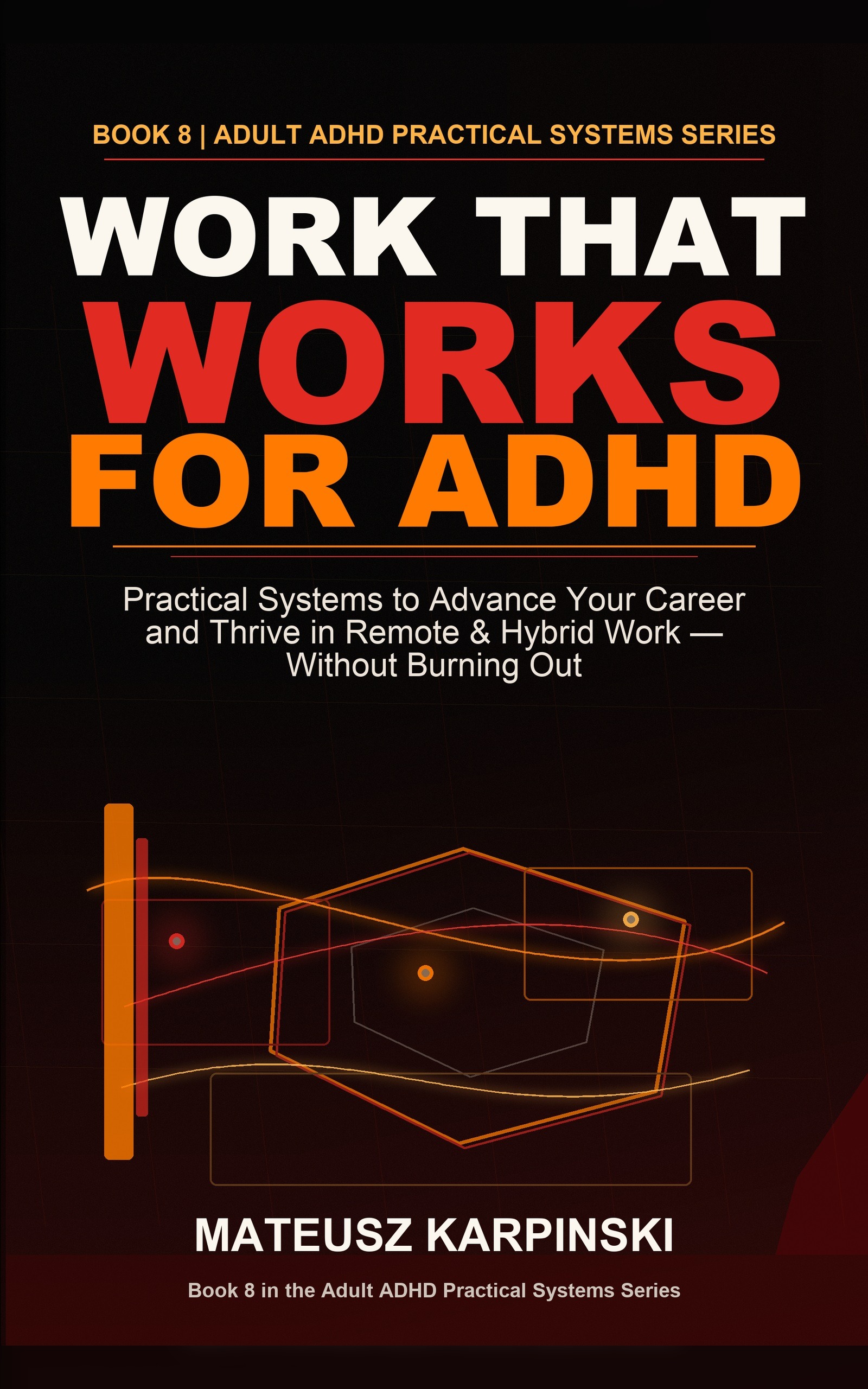
When work keeps fragmenting into messages, meetings, and side paths
Book 8 builds the work system around the active thread.
This printable clears one digital opening. Work That Works for ADHD adds focus rails, meeting recovery, task handoffs, restart scripts, remote-work systems, and visible next actions before the day disappears into tabs and messages.
FAQ
Why do I keep so many browser tabs open with ADHD?
Open tabs can act like reminders, unfinished decisions, research leads, or a way to avoid forgetting something. The problem is that too many routes can hide the active task and make restarting more expensive.
How do I close browser tabs without losing important things?
Choose one active task window and one parking place for the rest, such as a bookmark folder, reading list, note, or saved link. Capture only what you truly need to return to, then close a small batch.
How many tabs should I close in an ADHD tab reset?
Use a small number that does not turn into an audit, such as five obvious tabs or one type of tab. The useful finish line is an active work window, a parking place, and a return line, not an empty browser.
Is this IT, security, or professional advice?
No. This is an educational organization tool, not IT, security, legal, or professional advice. Follow your workplace, school, privacy, account, and device requirements when saving links, files, or information.