

Free ADHD Tool
ADHD working memory reset
Take the loose thread out of your head, give it one visible home, and leave yourself a way to return.
Use this when the day feels full of things you must not forget: a message to send, a task you interrupted, a question to ask, an item to take with you, a decision waiting, or the vague feeling that something important is about to disappear. This is not a master planner. It is a small way to stop one thread from having to live entirely in your head.
Use this page, copy the prompts into a note, or print it. It is an educational organization tool for making active information easier to see and return to, not medical, mental-health, diagnostic, or treatment advice.
Give the thread a place before it gets louder
Capture once, choose once, leave one visible anchor
Do not ask your brain to keep every loose detail available while you work, talk, travel, or switch tasks. Put the threads in one place, choose the one that is active, and make its next step easy to find.
Empty the loose threads
Capture only what is currently pulling at your attention: tasks, questions, messages, objects, appointments, worries, or follow-ups. Fragments are enough. You do not need to organize the whole list yet.
Choose one active thread
Give one item the active lane. It might be urgent, time-sensitive, the next physical step, or simply the one that will reduce the most noise once it has a home. Park the rest visibly.
Name the smallest next action
Write the first physical or digital action, not the whole outcome. Open the calendar, put the item by the door, write the first line, find the number, or check one date all count.
Set the return anchor
Choose what will help you find the thread after a switch: a clipped card, an open note, a calendar cue, a folder on the desk, a tray by the door, or one object placed in your path.
The useful test: can you find it without remembering it?
A working-memory support is doing its job when future-you can see where the thread went, what matters next, and how to start without recreating the entire context. The anchor may be small, but it needs to be visible enough to do some of the remembering for you.
Examples of a visible memory anchor
Leave a one-line next action beside the active file, keep the relevant folder open, or put a card on the keyboard. The point is to save the first doorway, not every thought from the old task.
Put it in the bag, on the shoes, by the keys, or in front of the door. A visible object in the right path often works better than a reminder you will have to notice at the right time.
Capture the person, the smallest next sentence, and where the conversation lives. A short note like "reply after lunch" can be enough when it is placed in the note or calendar you actually open.
Park the last completed point, the first next action, and one source file or object. Future-you should be able to return through a small entrance rather than reopening the entire problem.
Use one capture place for the day, not a new app for every idea. You can choose what is active later; the first job is only to stop every loose detail competing for the same mental space.
Memory support is part of the environment
When a task, object, or intention is invisible, it may as well be competing with every other invisible thing for attention. That is why a good support can be ordinary: a tray, card, folder, calendar edge, object near the door, single note, or short timer. The system carries the thread while your attention moves somewhere else.
Keep the first version narrow. One active item and one capture place are easier to trust than a dashboard that requires a weekly overhaul. Once the basic loop feels visible, you can decide whether it needs more structure. Until then, make returning cheaper than remembering.
This is an educational organization tool, not medical, mental-health, diagnostic, or treatment advice. Use appropriate professional or emergency support for any situation that needs it, and follow the relevant instructions for your health, work, school, or care setting.
When the visible system needs to cover more than one loose thread
Book 9 builds the wider executive-function system.
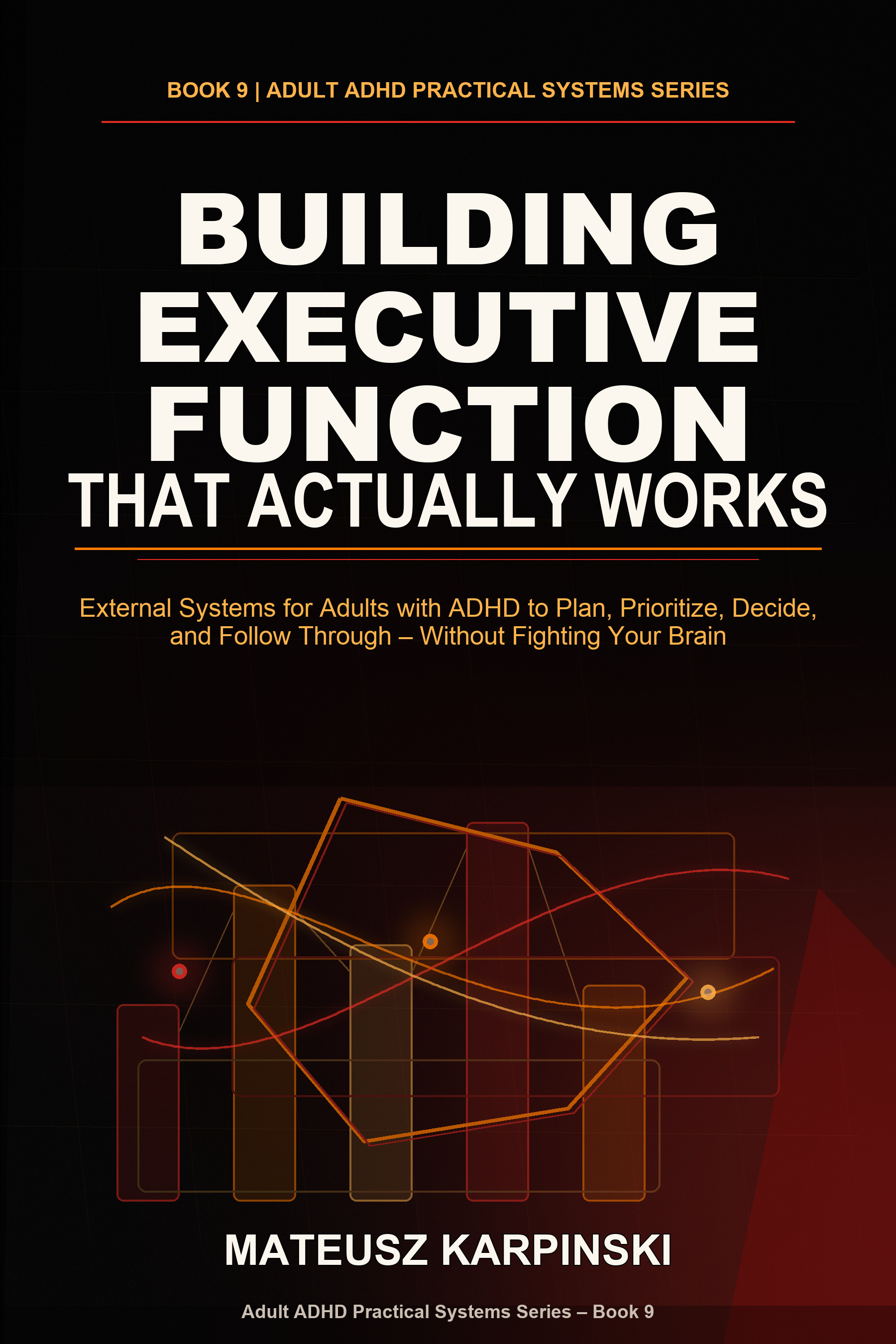
This reset gives one thread a visible home. Building Executive Function That Actually Works adds external planning, priority filters, working-memory supports, decision scaffolds, emotional regulation, and follow-through loops for the bigger pattern.
FAQ
What is working memory with ADHD?
Working memory is the short-term mental workspace used to hold a detail, sequence, next action, or intention while doing something else. With ADHD, interruptions, choices, input, time pressure, and other demands can make that workspace feel crowded or make a thread disappear. This tool gives the thread a visible place outside your head.
How can I support working memory with ADHD?
Use one capture place for loose items, choose one active thread, write its smallest next action, and put the note or object where you will meet it. The support should be easy to see and easy to return to; it does not need to be a complete planner system.
What is an ADHD working memory reset?
It is a short externalizing routine for the moment when too many reminders, tasks, questions, or unfinished details are competing for attention. Capture them in one place, reduce the number of active items, and leave a physical or digital return cue for the one that matters next.
Is this medical or mental-health advice?
No. This is an educational organization tool, not medical, mental-health, diagnostic, or treatment advice. Use appropriate professional or emergency support for any situation that needs it.