Reward Menu
ADHD dopamine menu
A low-energy reward menu for days when fast dopamine keeps winning.
An ADHD dopamine menu is a visible list of rewards you can use before the day slides into phone checks, carts, sugar, app hopping, or anything else that gives quick relief with a hidden cost. It works best when the menu is honest about what the brain wanted in the first place.
Do not make one giant reward list
A random list of "healthy alternatives" often fails because it does not match the job of the urge. If the brain wants novelty, a bath may not work. If the body needs comfort, a productivity timer may feel insulting. If the task feels impossible, the reward may need to create a doorway, not a moral victory.
Build the menu by reward job. Then, when the urge shows up, you are choosing from the right shelf.
Name the job
Novelty, comfort, movement, connection, sensory input, control, completion, or a task doorway.
Keep it tiny
Write options that can start in under two minutes. Tired brains need reachable rewards.
Make it visible
Put the menu near the loop: lock screen note, desk card, fridge list, browser start page, or planner page.
Add one boundary
Move the expensive loop one step farther away so the menu has a chance to be seen.
Restart softly
If the loop wins, use the smallest menu option next. Shame is too slow to be a useful system.
The menu is not a promise that you will never scroll, snack, shop, or escape again. It is a backup route for the moments when your brain needs relief and the usual route is getting expensive.
Need a place to build the menu instead of keeping it in your head? Dopamine Menu Journal for ADHD Adults is the companion journal for tracking focus, energy, low-pressure rewards, and return points. The paperback is now live on Amazon.
For a short, print-friendly first version, use the free ADHD dopamine menu template to match the reward job, choose low-energy options, and leave a task doorway.
The dopamine menu template
Start with one or two options in each category. A short menu you actually use beats a beautiful page that becomes homework.
- Novelty: new playlist, one short article, a tiny puzzle, rearrange one object, change the room scent.
- Comfort: warm drink, familiar audio, shower, blanket, dim light, easy snack you planned on purpose.
- Movement: walk around the block, stretch one body part, ten squats, stairs, stand outside for three minutes.
- Connection: one voice note, one direct message, send the meme, ask a simple question, sit near someone safe.
- Sensory input: cold water, pressure, texture, music, chewing gum, weighted blanket, sunlight, clean shirt.
- Completion: clear one surface, delete five emails, put one bill in the landing zone, close one open tab.
- Task doorway: open the file, write the ugly first line, set a five-minute timer, define the next physical action.
Build the low-energy version first
The menu should work on a bad day, not only on the day when you have slept well and believe in systems. Put the lowest-effort options at the top. If an option needs shoes, a clean kitchen, an account login, or a fully charged social battery, it is not your first-line reward.
A good low-energy option changes the state without needing a full personality transplant. It gives the day a small turn.
Match the menu to common loops
Use the loop as a clue. If you keep opening the phone between tasks, the job may be transition relief. If shopping gets loud at night, the job may be anticipation or control. If sugar gets loud after work, the job may be sensory comfort, a body crash, or the first reward of the day.
- Phone checking: visible transition card, music for one song, stand up, write the next action.
- Shopping: wish list parking lot, style idea screenshot, ten-minute comfort reward, flexible spending check.
- Sugar: planned snack, protein first, warm drink, sensory reset, earlier reward before the crash.
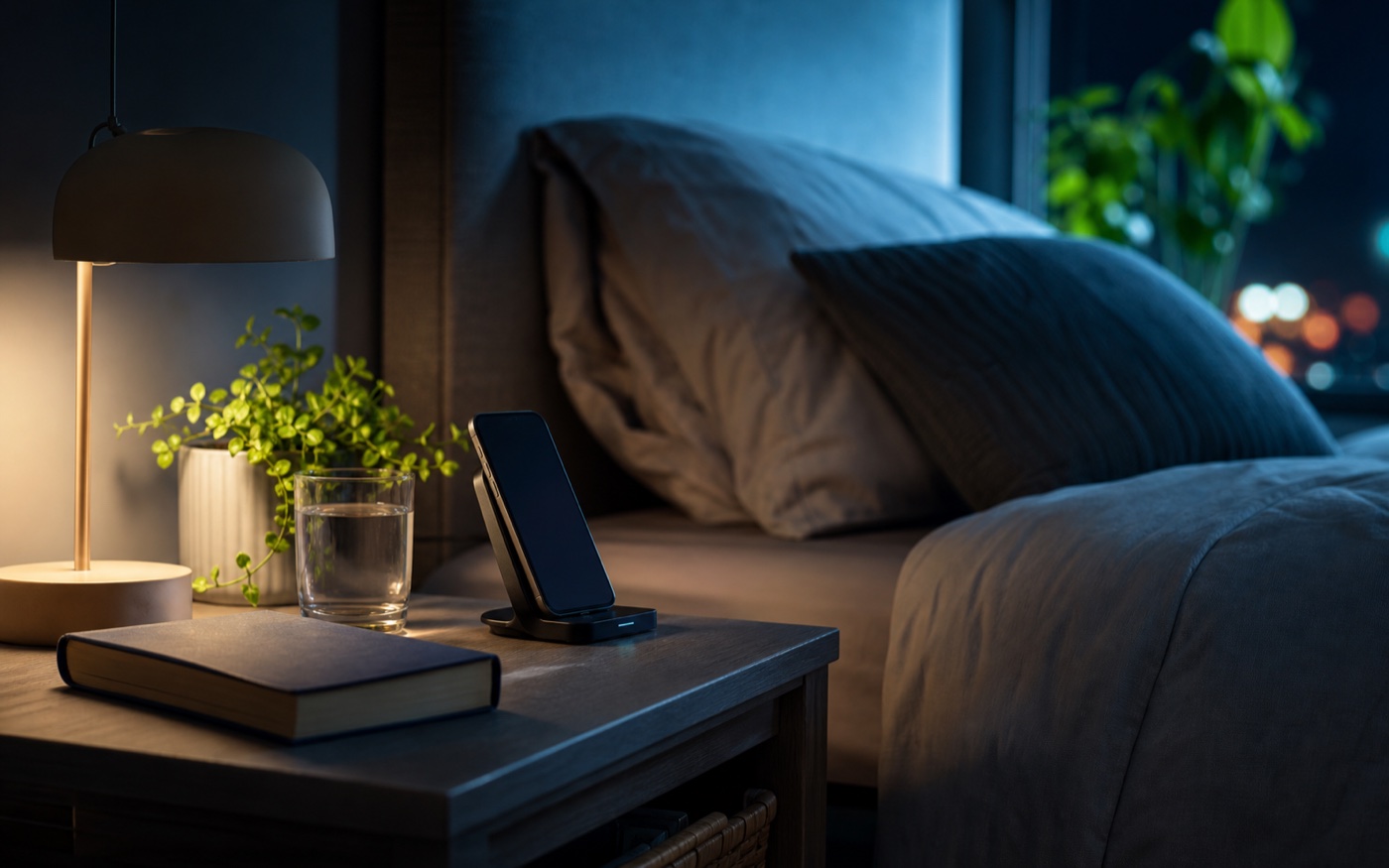
- Doomscrolling: charger boundary, one saved article, low-light audio, paper list for tomorrow's first step.
Put the menu where the loop begins
A menu hidden in a notebook will not beat an app icon. Put the first version in the path of the behavior. If the loop starts on the phone, use a lock screen note. If it starts at the desk, use a sticky card. If it starts in the kitchen, put the menu where your hand lands before the cupboard.
Visibility is not decoration. It is working memory support.
Use planned rewards earlier
Fast dopamine gets louder when the whole day is built on delay. "Finish everything, then rest" is a fragile rule for many ADHD adults. Try smaller planned rewards before the crash: after opening the task, after one email, after a transition, after five honest minutes, after returning from a loop.
The reward menu works better when it is part of the day, not only emergency equipment.
FAQ
What is an ADHD dopamine menu? An ADHD dopamine menu is a short list of lower-cost rewards you can use when your brain needs novelty, comfort, movement, connection, or a visible start.
How do I make a dopamine menu for ADHD? Make categories for reward jobs, then add tiny options for each: novelty, comfort, movement, connection, sensory input, completion, and task starts.
What should go on a low-energy dopamine menu? Low-energy options should be reachable while tired: music, a warm drink, a two-minute tidy, one text, stretching, a shower, sunlight, or a short reset timer.
Can a dopamine menu replace phone scrolling? A dopamine menu can help replace some scrolling when the replacement answers the same job. It works better when the phone loop has one small boundary too.
Which Dopamine Friendly Systems book fits a dopamine menu? When Fast Dopamine Is All You Have Left is the best starting point for fast reward loops. Dopamine Menu Journal for ADHD Adults is the practical journal for building and tracking a personal dopamine menu.