Free ADHD Tool
ADHD dopamine menu template
Give your brain a visible, lower-cost option before the usual fast loop becomes the only plan in the room.
Use this when the phone, a cart, a feed, a snack, or a random new project keeps becoming the fastest relief available. The aim is not to make a list of virtuous alternatives. It is to match a smaller reward to what your brain actually needs right now.
Use it on this page, copy it into a note, or print it. There is no signup. Start with one option per lane; a menu you can reach on a hard day is more useful than a perfect one you never open.
Build the first version in four moves
Match the job, not the moral
Choose rewards that are close enough, easy enough, and visible before the fast loop has already won.
Name the job
Ask what the urge is trying to do: novelty, comfort, movement, connection, sensory input, completion, or a doorway into the next task.
Add two tiny options
Pick things you can begin in under two minutes. A tired brain needs options that are already nearby, not a new project or a trip across town.
Make the menu visible
Put the first version where the loop begins: by the keyboard, on the lock screen, near the kitchen, next to the couch, or at the top of the daily note.
Leave a task doorway
After a reward, make returning cheap. Leave a card, open file, timer, item by the door, or one next physical action visible for the task that matters.
Thirty-second menu check
What job is this urge doing? What is one smaller option that can start now? Where will I leave the next task so I can return without rebuilding the whole plan?
Use reward shelves, not one giant list
One new playlist, a short article, changing rooms, a tiny puzzle, a new pen for one page, or a small variation in the work setup.
Warm drink, familiar audio, blanket, low light, water, gum, sunlight, a clean shirt, pressure, or a different chair.
Walk to the window, stairs, wrist or neck stretch, a one-song reset, one message, a direct question, or sitting near someone safe.
Close five tabs, clear one surface, commit one small thing, open the file, write the ugly first line, or name the next physical action.
The low-energy version comes first
A menu should work on the day you are tired, hungry, bored, frustrated, or already halfway into a loop. If an option needs shoes, a login, a clean desk, or an unusually full social battery, keep it as a bonus option rather than your first line.
Useful rewards do not need to be impressive. They need to create enough room for another choice to become visible.
Put the menu where the loop begins
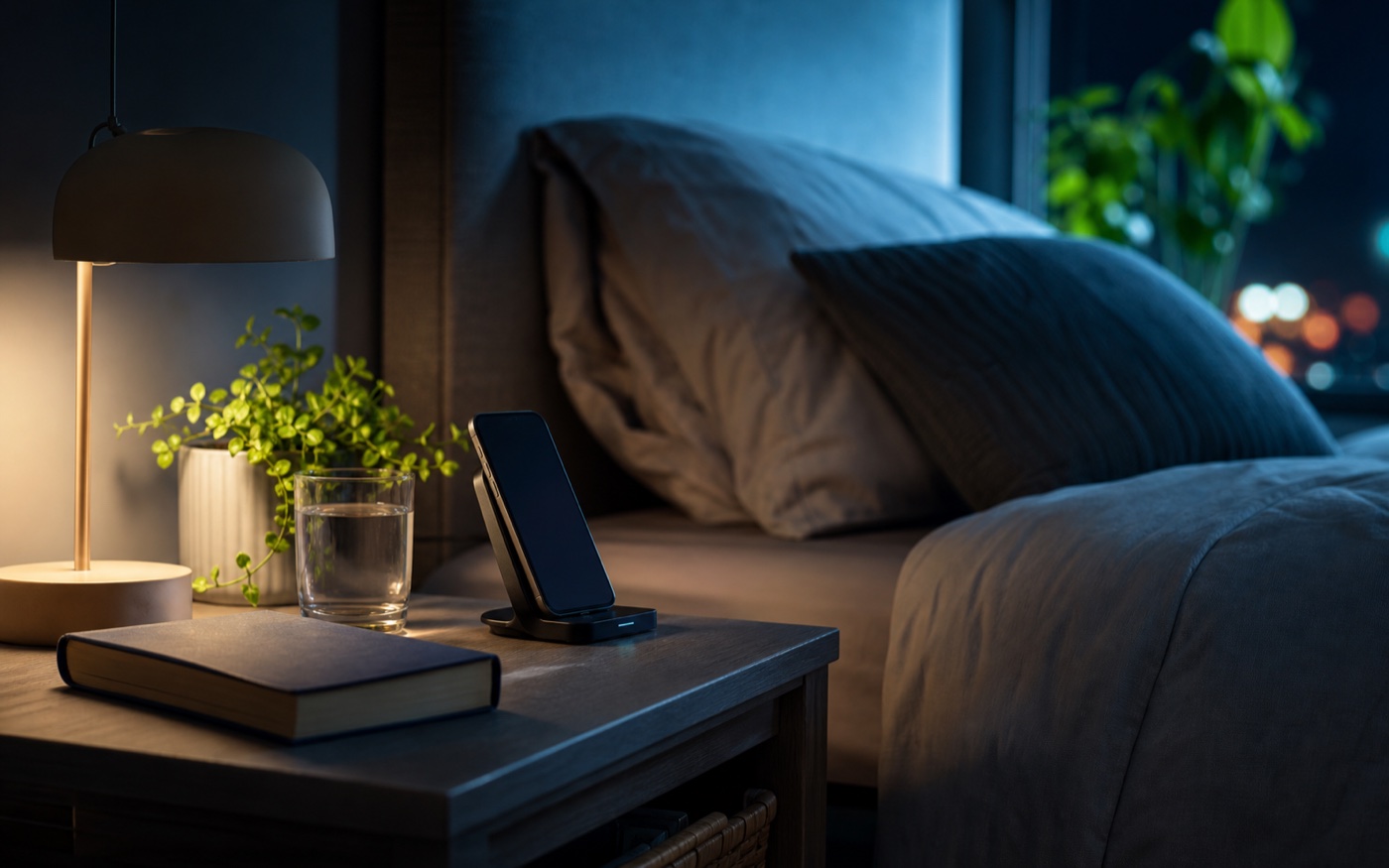
A list hidden in a notes folder will not reliably beat an app icon. Put the menu next to the physical or digital start of the loop. For phone checking, try a desk card or lock-screen note. For after-work scrolling, use the side table. For shopping, add it near the browser or the wish-list note.
Then move the expensive loop one small step farther away. Put the phone on another surface, close the app, save the item, or leave the next task open. The menu needs a moment to be seen.
When fast loops are carrying too much of the day
Dopamine Rebalancing Book 1 turns the menu into a fuller replacement-reward system.
When Fast Dopamine Is All You Have Left builds on this template with phone loops, scrolling, shopping, sugar, task avoidance, low-energy rewards, and boundaries that make the first alternative easier to reach.
FAQ
What is an ADHD dopamine menu?
An ADHD dopamine menu is a short, visible list of lower-cost rewards that can meet a specific need, such as novelty, comfort, movement, connection, sensory input, completion, or a task doorway.
How do I make a dopamine menu for ADHD?
Build the menu by the job the urge is doing, add one or two low-effort options for each job, and put the first version where the loop begins: by the phone, desk, kitchen, or daily note.
What belongs on a low-energy dopamine menu?
Choose options that can start while tired: familiar audio, a warm drink, water, light, one small stretch, a short message, one song, a clean shirt, or opening the next task without asking yourself to finish it.
Can a dopamine menu help with scrolling or shopping?
It can offer another route when the replacement answers the same need as the loop. It works best when the usual loop has one small boundary too, such as moving the phone, parking the cart, or closing the app.